Features
Built for short-term-rental hosts.
What a guest opens
One link, and everything they would otherwise text you about.
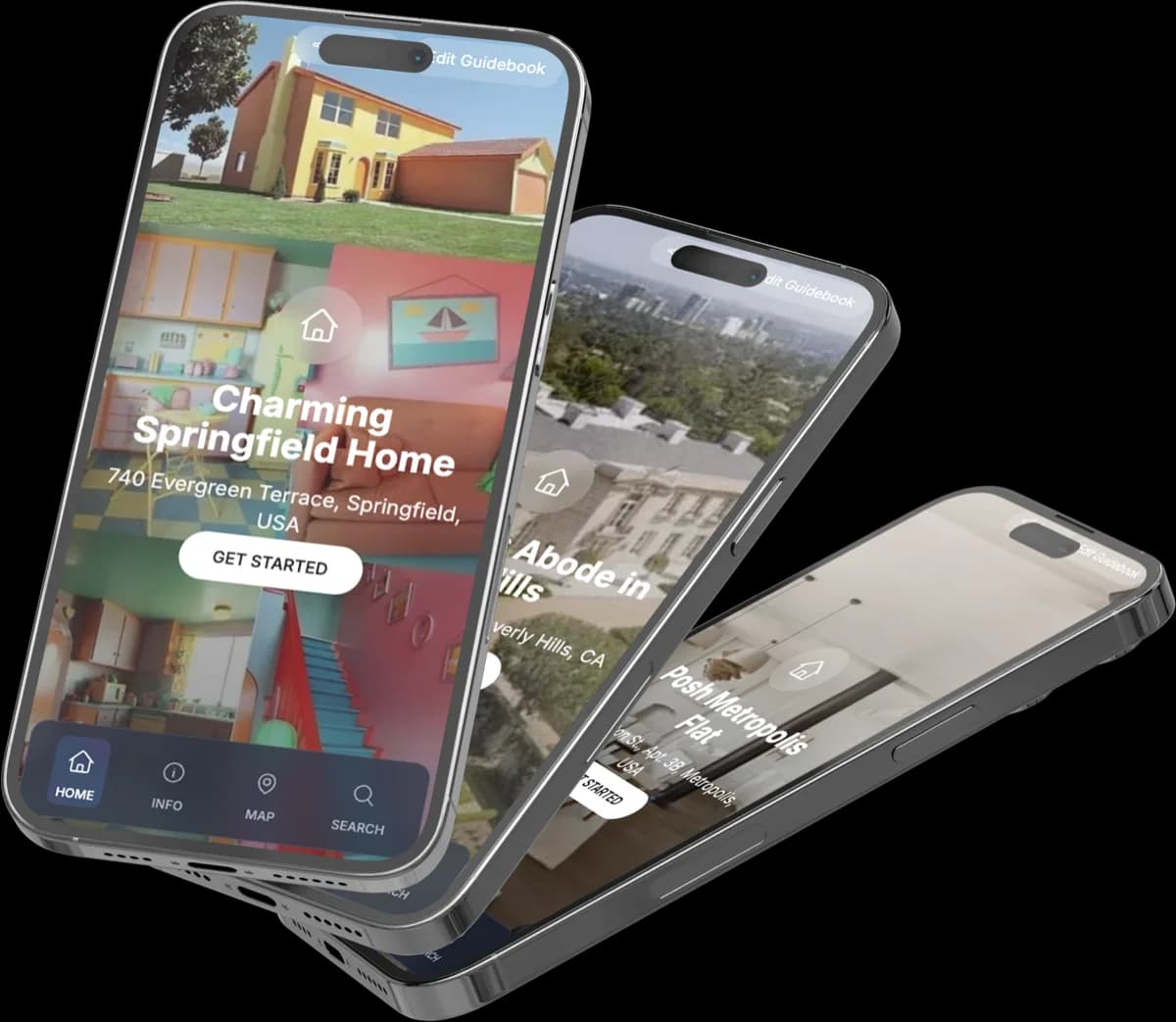
A guest view that feels like an app
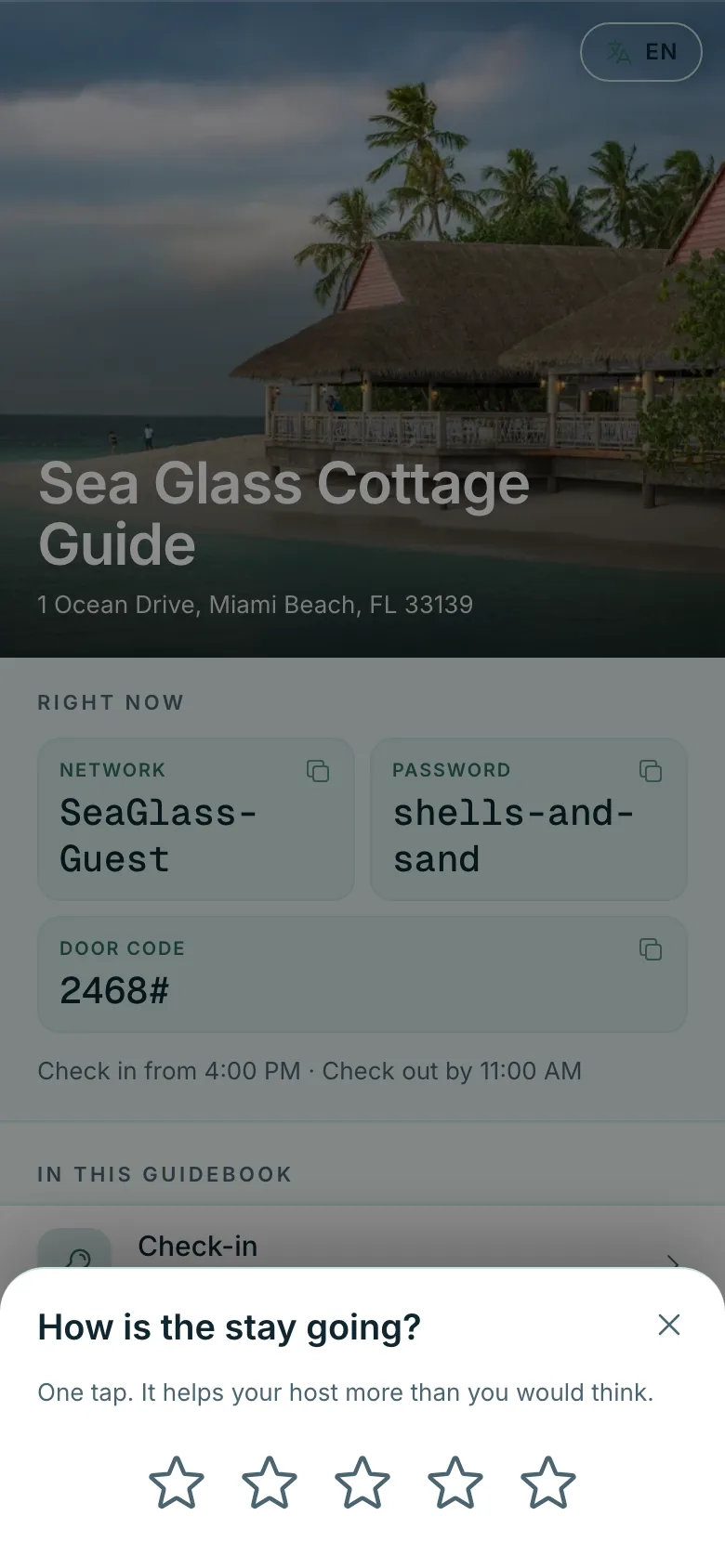
Guests open a link or scan a code and get a clean mobile page with copy-WiFi, one-tap directions, and your contact details up top.
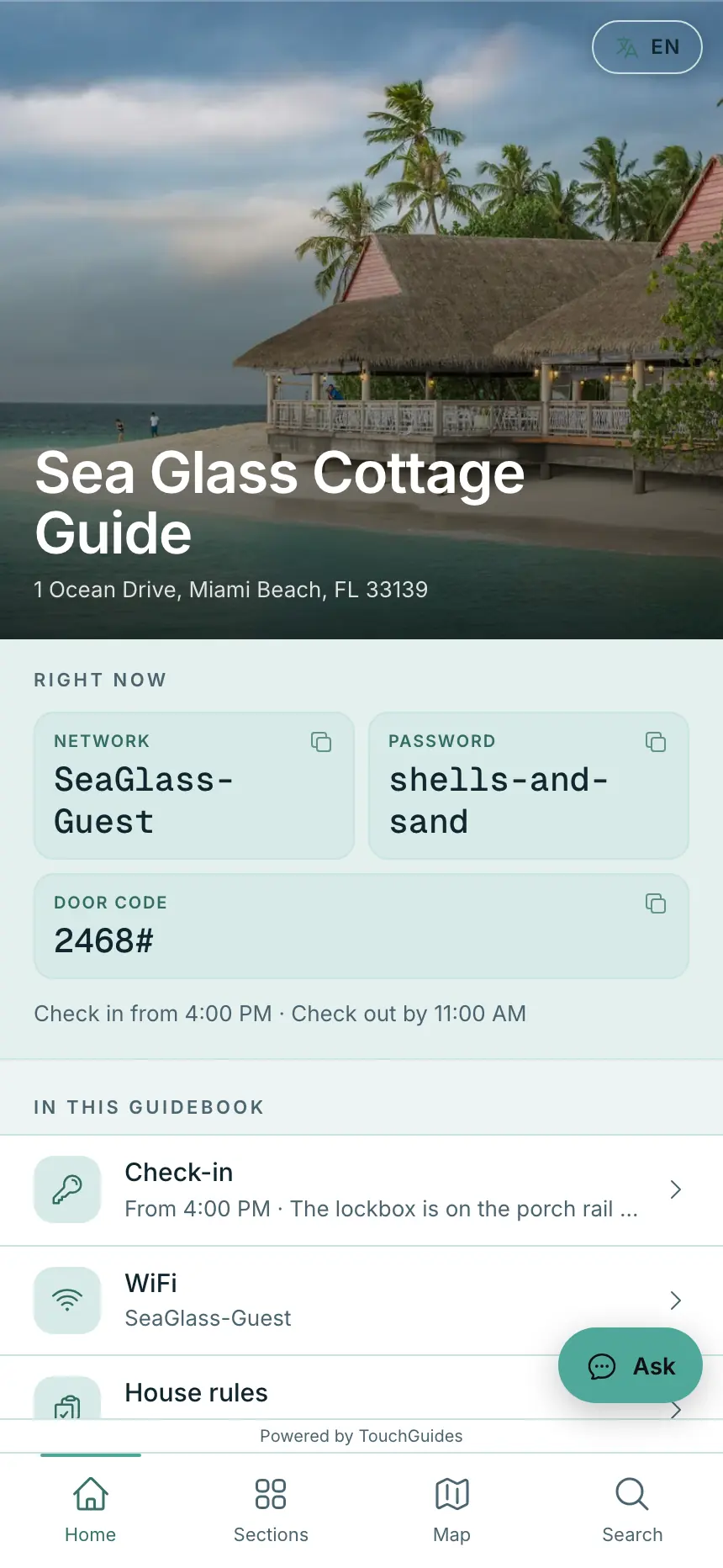
Sections built for rentals
Check-in, WiFi, house rules, parking, quirks of the home, check-out, and FAQ come ready to fill. Add custom sections for anything else.
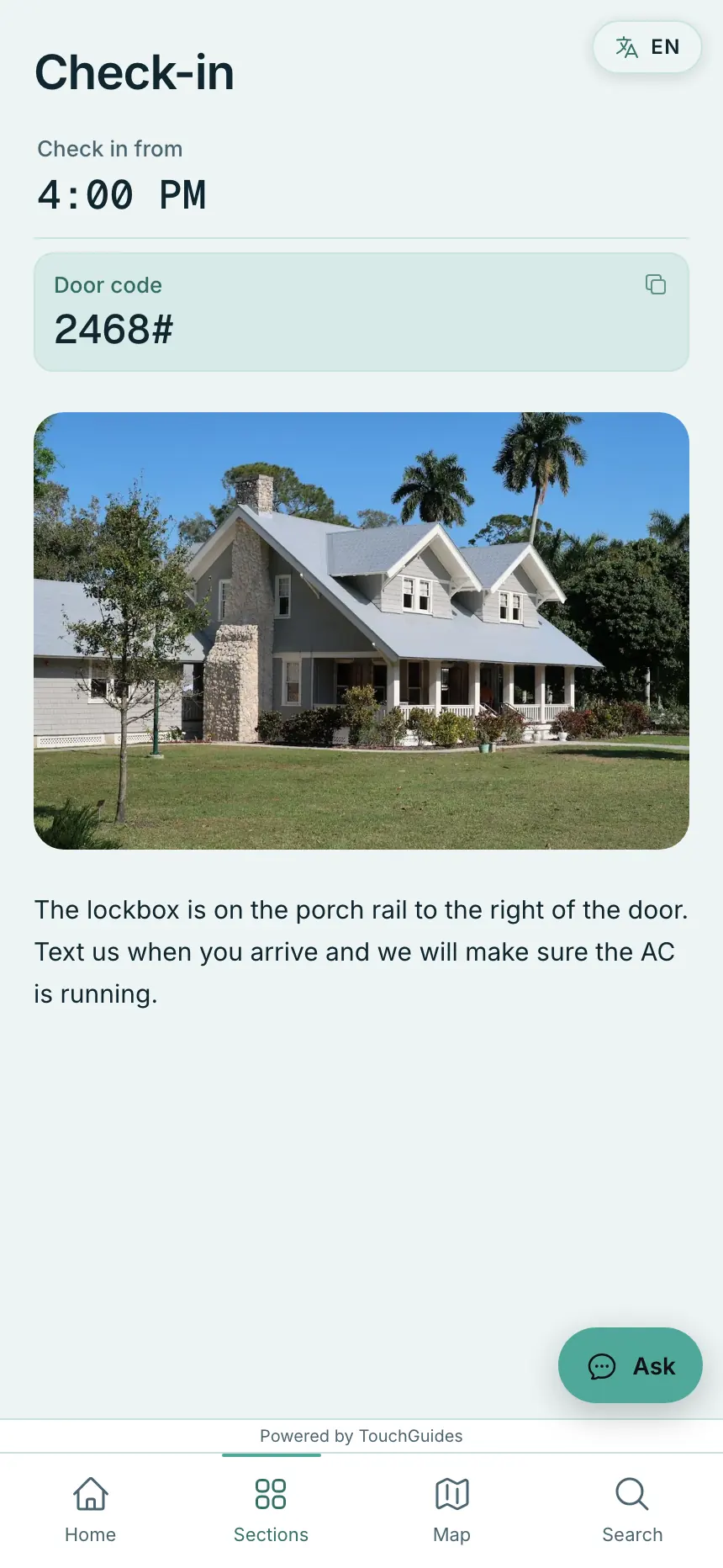
Photos where they help
Show the lockbox, the thermostat, the parking spot. Every section takes photos.
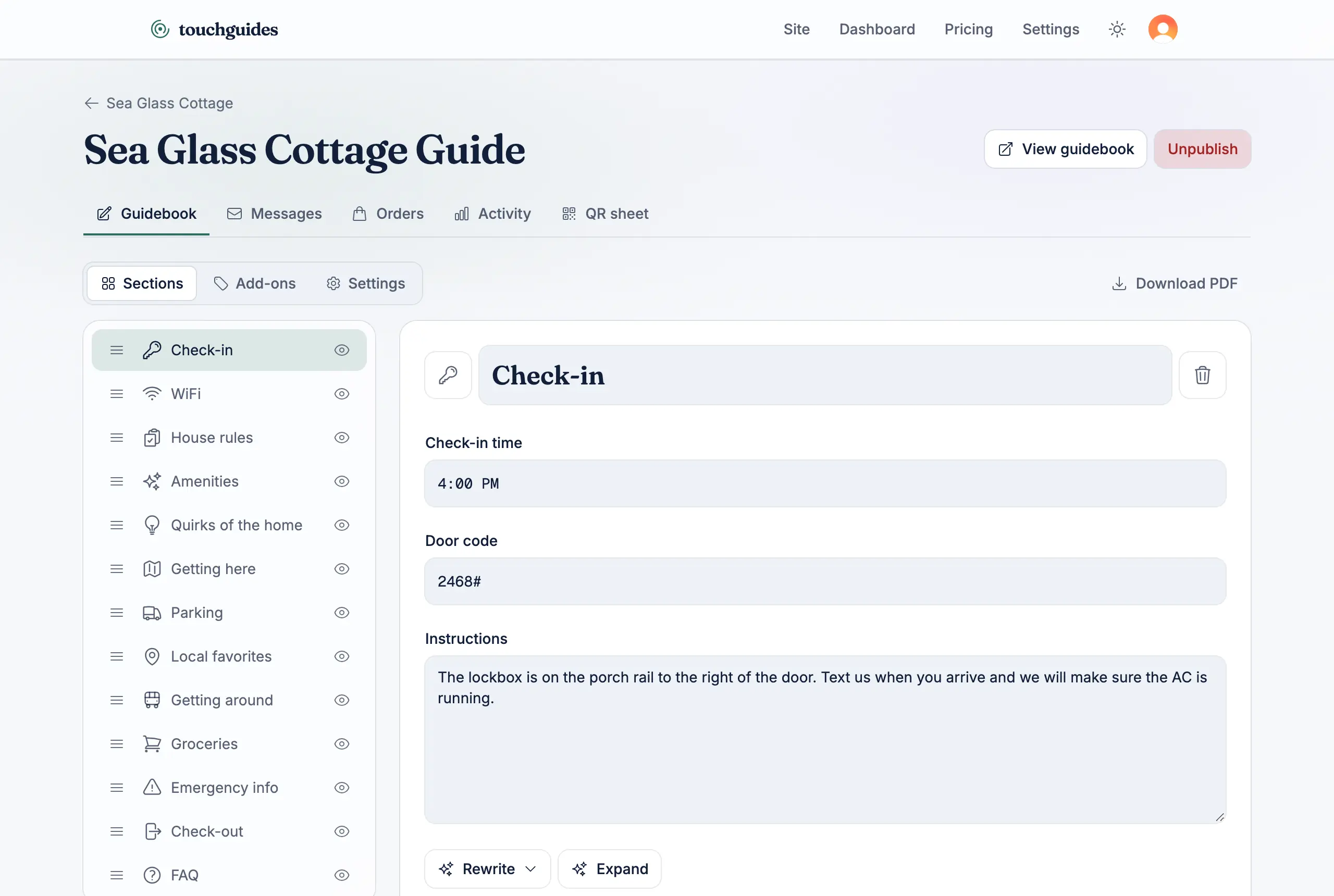
Map and directions
Your property on a map with a directions button that opens the guest's maps app.
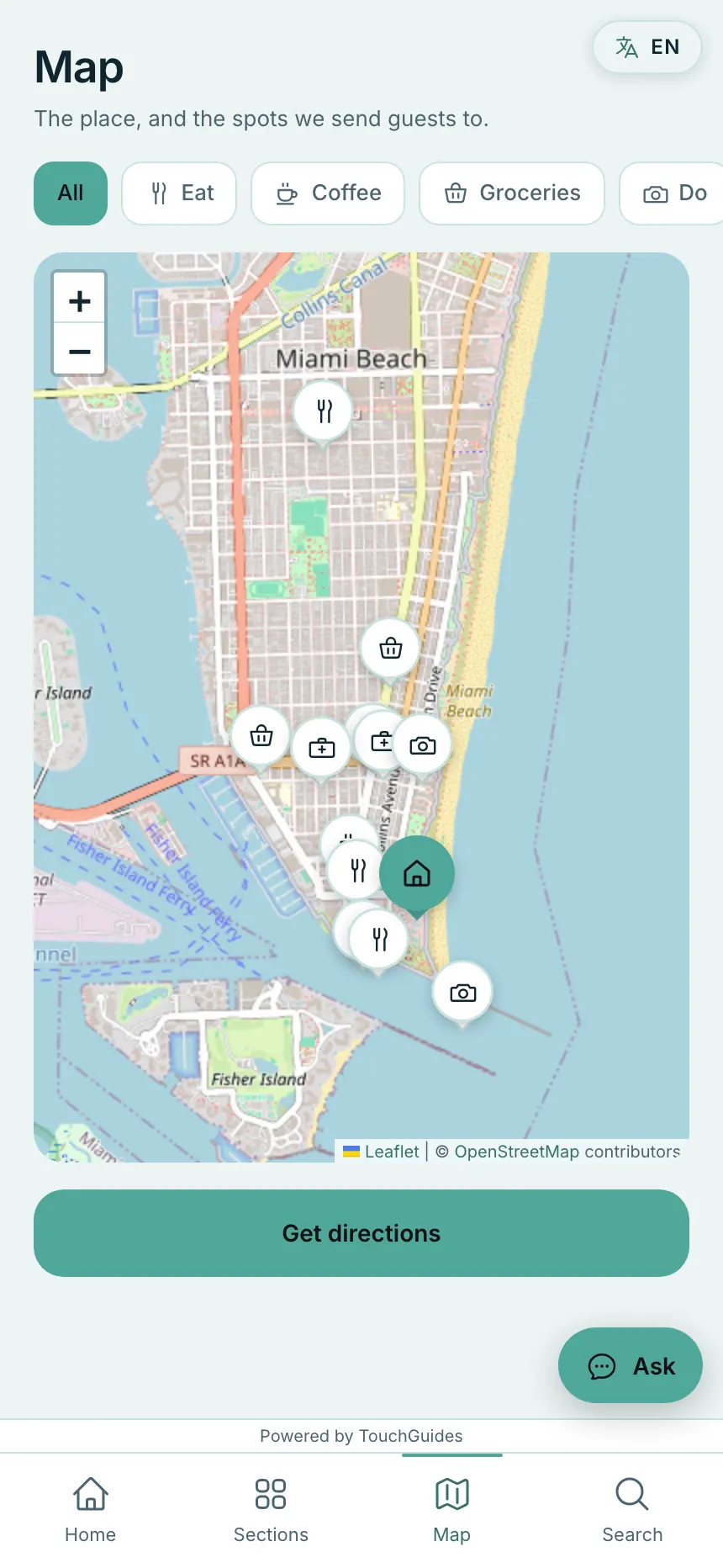
Video and map embeds
Paste a YouTube link or a Google Maps link into any section, and it renders inline. Guests watch the video or explore the map right there in the guidebook.
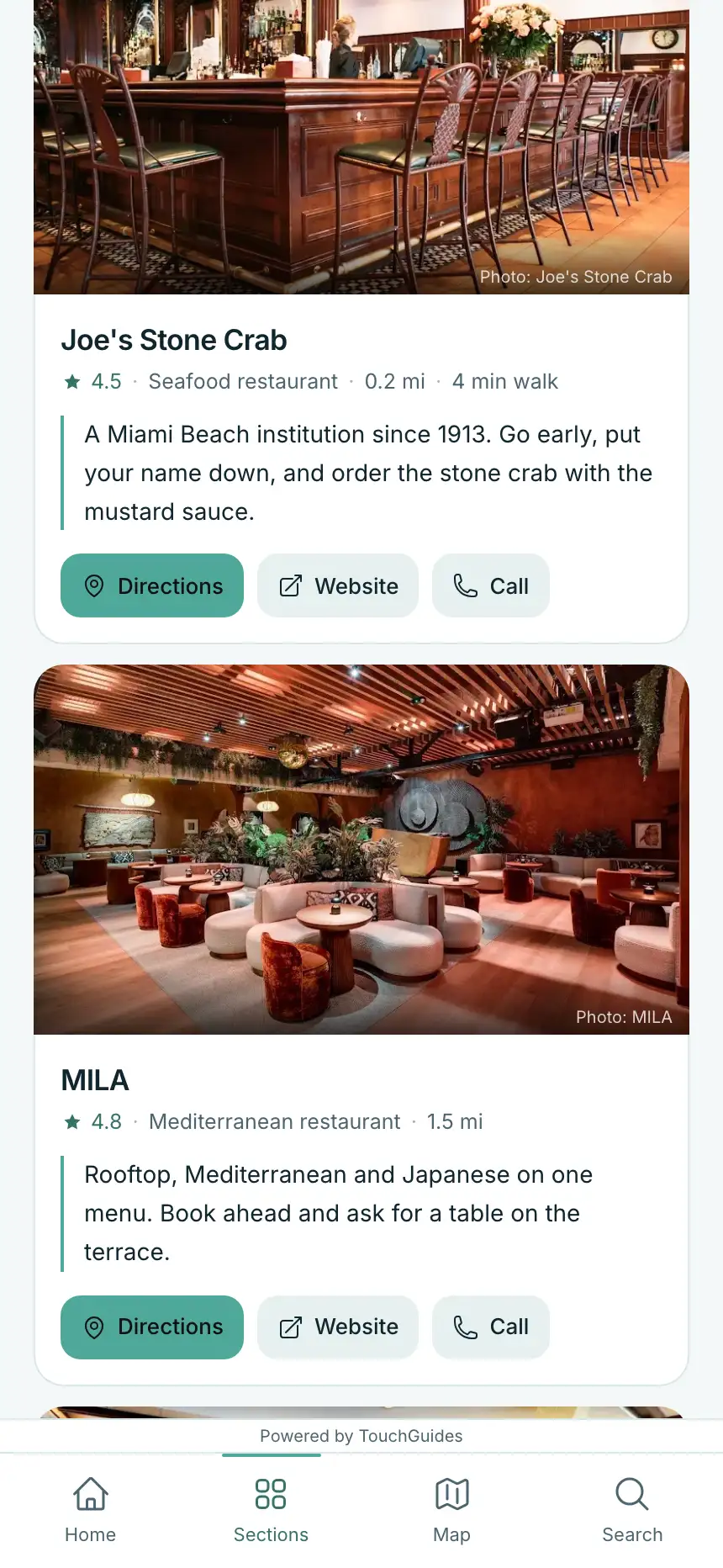
Local favorites you actually chose
Search the restaurants, cafes, shops and sights around your property, pick the ones you send guests to, and add a line about why. Guests get cards with photos, ratings, walking distance and a map with every pin.
Writing it, and keeping it current
The assistant writes the first draft; you keep the facts right.
AI drafts your first version
Answer a few questions about the property, and the assistant writes a complete guidebook draft. Edit any section afterward.
Publish in minutes
Autosave as you type, publish when you are ready, share one link.
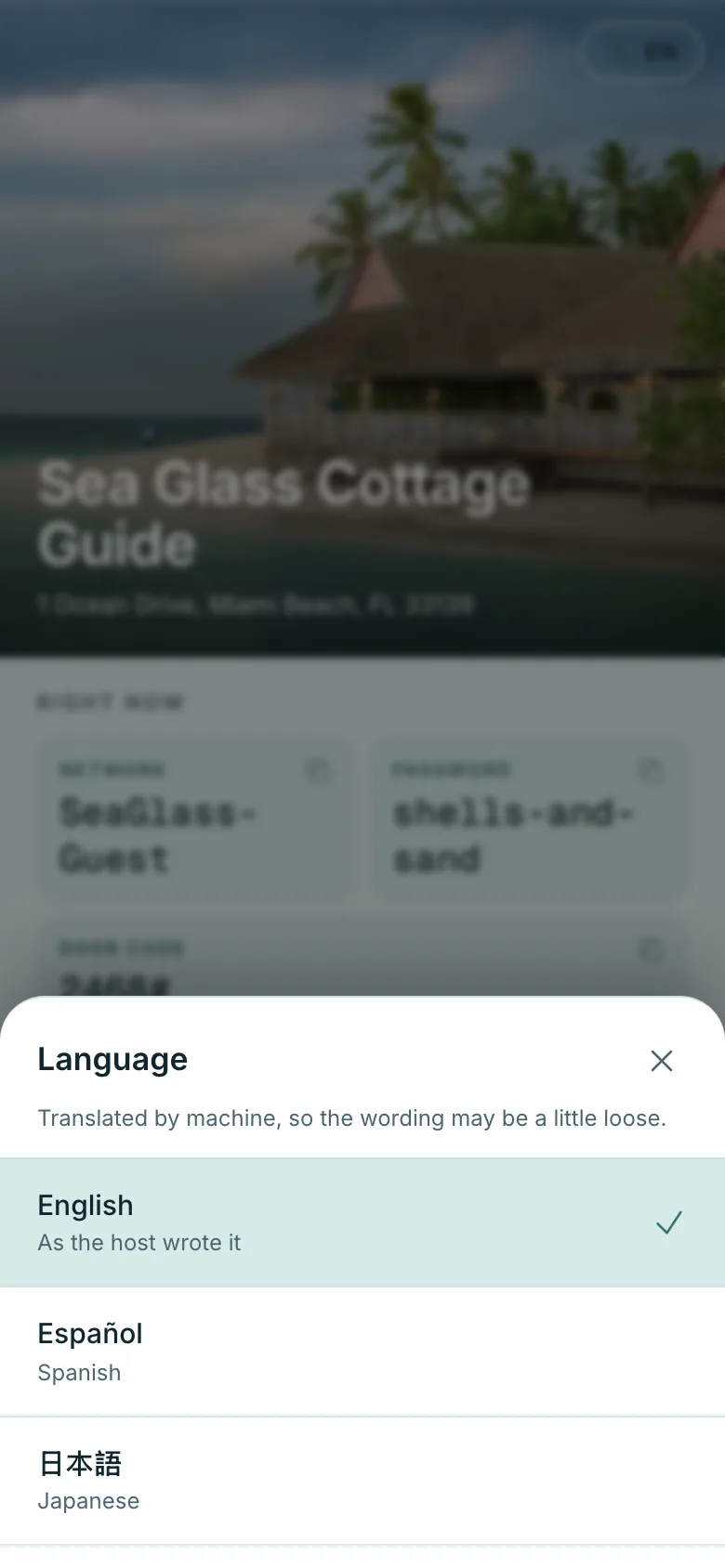
Read in their own language
Pick up to twelve languages and every section is translated when you publish. Guests switch with one tap, and the WiFi password, the door code and the check-in time stay exactly as you typed them.
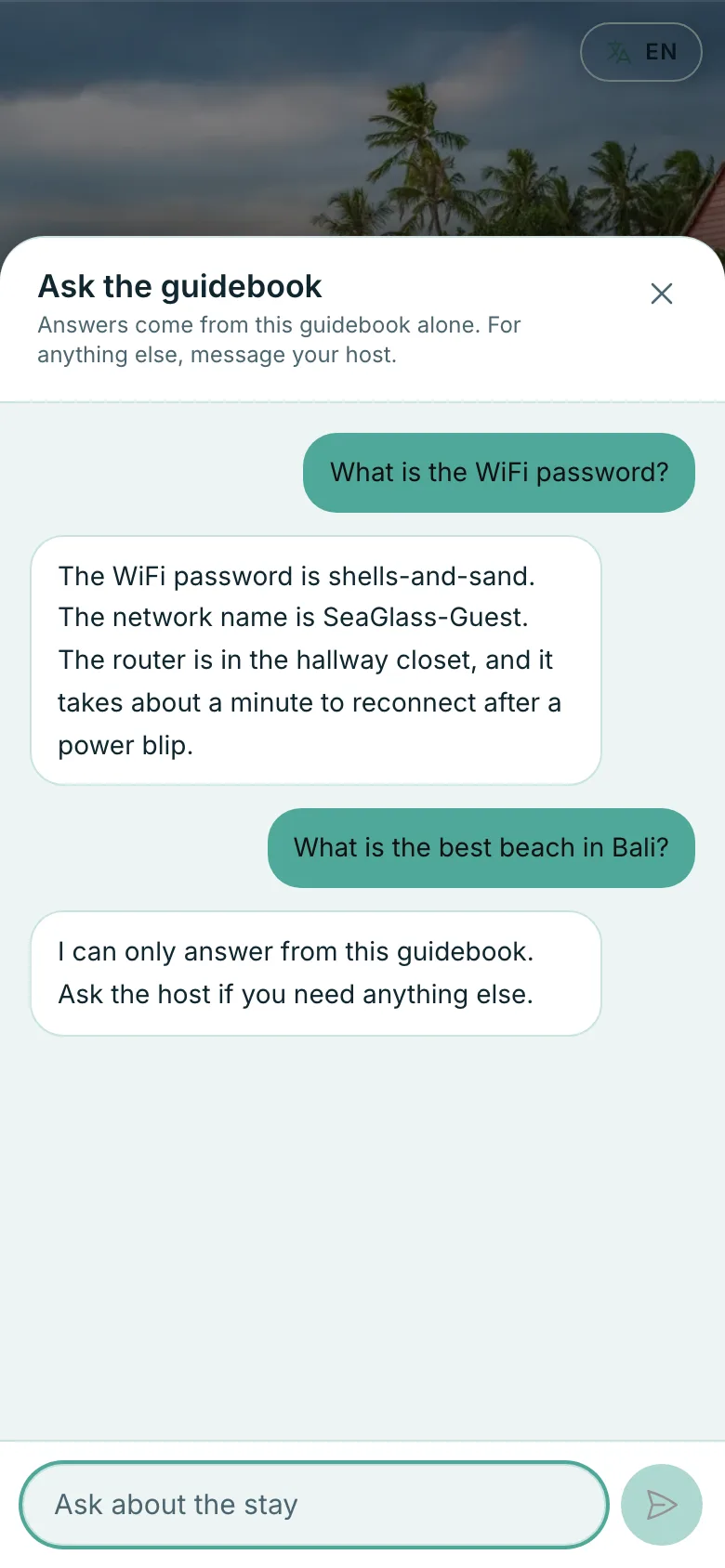
Ask the guidebook
A chat panel that answers from your guidebook and declines everything else. Guests get the door code at midnight without waking you, and nothing outside what you wrote comes out of it.
PDF for the printer
Download the whole guidebook as a PDF for a binder or a welcome email.
A QR sheet for the door
Print an A4 or Letter sign in your brand colour with the code, the short address and the WiFi details. Tape it to the fridge and the questions stop.
Yours to brand, and to earn from
Your look, your address, and what guests did with it.
Ten looks, remixed your way
Pick a complete look for the guest view — sea glass, ember-lit cabin, city lime, forest, gallery white, Palm Springs, a seventies motel, neon, Mediterranean tile or desert dusk — each with its own living background, typeface and pattern. Change the typeface and how much it moves on any plan. On a paid plan, add your accent colour, your logo and your font, and drop the TouchGuides badge.
Your own address
Every guidebook answers on its own touchguides.com address. On a paid plan, point a domain you own at it: we attach it, show the record to create, and switch it on as soon as DNS lands.
Five emails that write themselves
Type a guest's name and dates once. A welcome a week out, the door instructions the night before, the WiFi on check-in morning, a halfway check, and a note the evening before they leave — each one on your property's clock, each one with a working unsubscribe.
A rating prompt that works for you
On a guest's second visit, one tap asks how the stay is going. Four or five stars go straight to your review page; anything lower opens a private note that only you read.
See what guests actually read
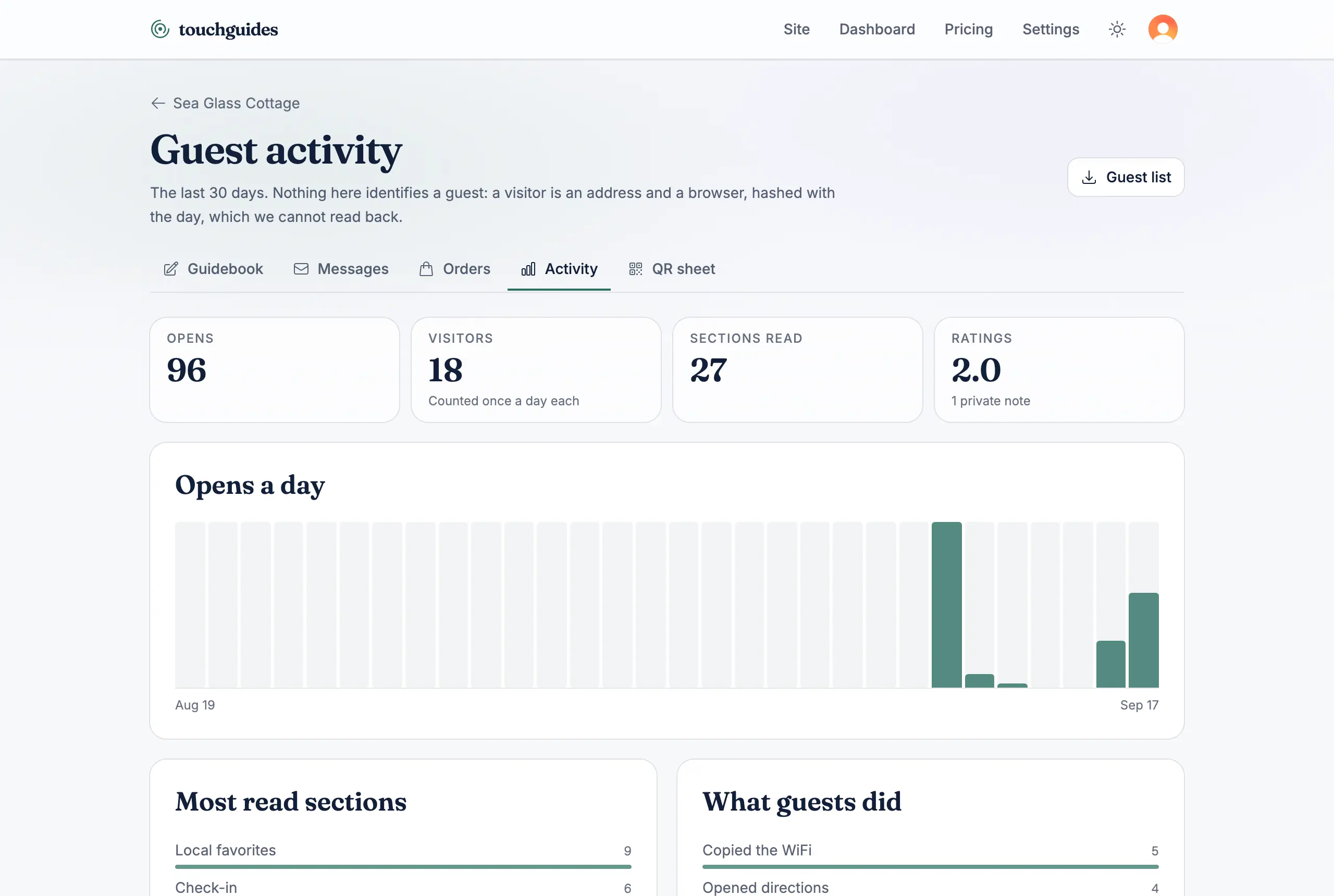
Opens, visitors, the sections they read, the WiFi copies, the taps on your recommendations and the languages they read in — thirty days of it, and nothing that identifies a guest.
We ship in small steps and list only what you can use today.